Creating a productive home office space is essential for anyone working remotely or managing tasks from home. A well-designed workspace not only improves efficiency but also supports your well-being, helping you stay motivated and focused. Whether you have a dedicated room or a small corner, these tips will help you create an environment that meets your needs and enhances your productivity.
Choose the Right Location
Find a Quiet Spot
Select a place in your home that minimizes distractions. Ideally, this should be away from noisy areas like living rooms or kitchens. If silence isn’t always possible, consider noise-canceling headphones or white noise machines to help maintain concentration.
Consider Natural Light
Natural light has a positive effect on mood and alertness. Position your desk near a window to take advantage of daylight, but avoid glare on your computer screen. If natural light is limited, use soft, adjustable lighting to reduce eye strain.
Invest in Comfortable and Functional Furniture
Ergonomic Chair and Desk
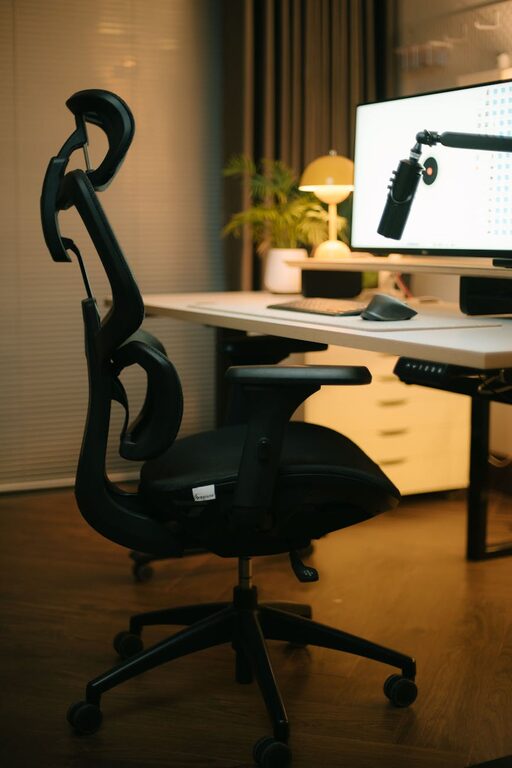
A comfortable, ergonomic chair supports your posture and reduces the risk of back pain. Look for adjustable chairs with lumbar support. Pair it with a desk at the right height to maintain a natural wrist position when typing.
Desk Space
Make sure your desk has enough surface area for your computer, documents, and other essentials. A clutter-free desk promotes focus and helps you stay organized.
Organize Your Workspace
Declutter Regularly
Keep only what you need within arm’s reach to avoid distractions. Use drawers, shelves, or storage boxes to store supplies and paperwork neatly.
Use Organizers
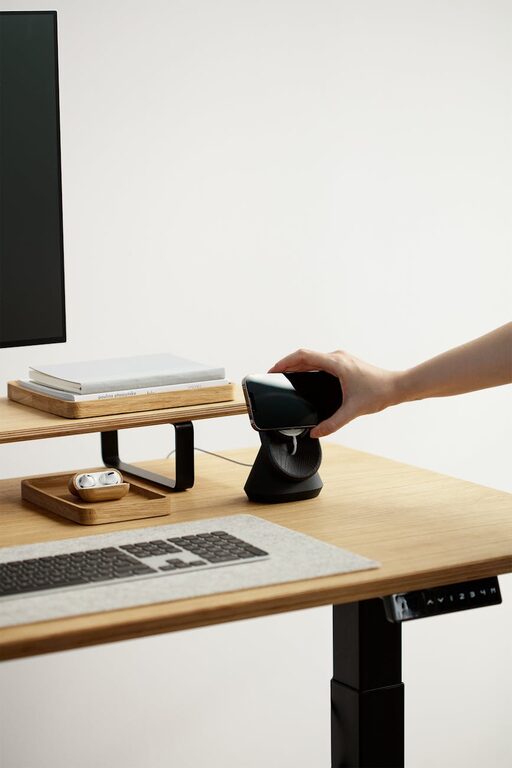
Desk organizers, file holders, and cable management tools can make your workspace visually appealing and easier to manage. Clear organization reduces stress and saves time searching for items.
Optimize Your Technology Setup
Reliable Equipment
Invest in a good computer, high-speed internet connection, and any accessories you need, such as keyboards, mice, or headphones. Reliable technology reduces frustration and interruptions during work.
Multiple Screens
If your work involves multitasking, consider adding a second monitor. This can improve efficiency by allowing you to view multiple applications at once.
Establish a Routine and Boundaries
Set Working Hours
Define your working hours and stick to them. This helps maintain balance between work and personal life and creates a routine that enhances productivity.
Minimize Interruptions
Communicate your work schedule with family members or roommates to reduce disruptions. Use “Do Not Disturb” modes on devices during focused work sessions.
Add Personal Touches
Inspire Yourself
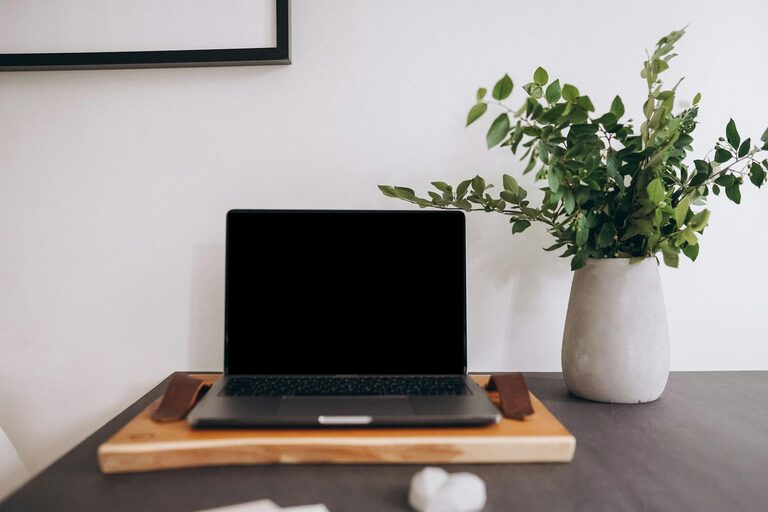
Add plants, artwork, or motivational quotes that make you feel comfortable and motivated. Plants can also improve air quality and create a pleasant atmosphere.
Keep It Fresh
Regularly update your workspace to prevent it from feeling stale. Small changes can renew your enthusiasm and encourage creativity.
Maintain Good Health Practices
Take Breaks
Use the Pomodoro technique or simply set a timer to remind yourself to take short breaks. Stand up, stretch, and move around to reduce fatigue and eye strain.
Hydrate and Snack Wisely
Keep a water bottle nearby and choose healthy snacks to stay energized throughout the day.
Personalize Your Productivity Tools
Use Planners and Apps
Digital or physical planners can help you track tasks, deadlines, and meetings. Productivity apps like task managers or calendar integrations help streamline your workflow.
Track Your Progress
Regularly review your goals and accomplishments to stay motivated and adjust your workspace or routine as needed.
Final Thoughts
Creating a productive home office space is a blend of thoughtful design, organization, and routines. Tailor your workspace to your personality and work style, and be willing to experiment with what works best for you. By following these tips, you can enjoy a comfortable and efficient environment that supports your success from the comfort of home.