Creating a home office that balances comfort and functionality can significantly enhance your productivity and overall work experience. Whether you’re working remotely, running a home-based business, or just need a dedicated spot for occasional tasks, a cozy and efficient space can make all the difference. Here’s a detailed guide with tips to help you design a home office that feels welcoming and keeps you focused.
Choose the Right Location
Consider Natural Light
Pick a spot in your home that gets plenty of natural light. Exposure to daylight helps boost mood and alertness. If possible, position your desk near a window. Just make sure to control glare on screens with adjustable blinds or curtains.
Minimize Distractions
Choose a quiet area that’s away from high-traffic zones like the kitchen or living room. This helps maintain concentration and reduces interruptions, especially during important calls or focused work sessions.
Invest in Comfortable and Ergonomic Furniture
Quality Desk and Chair
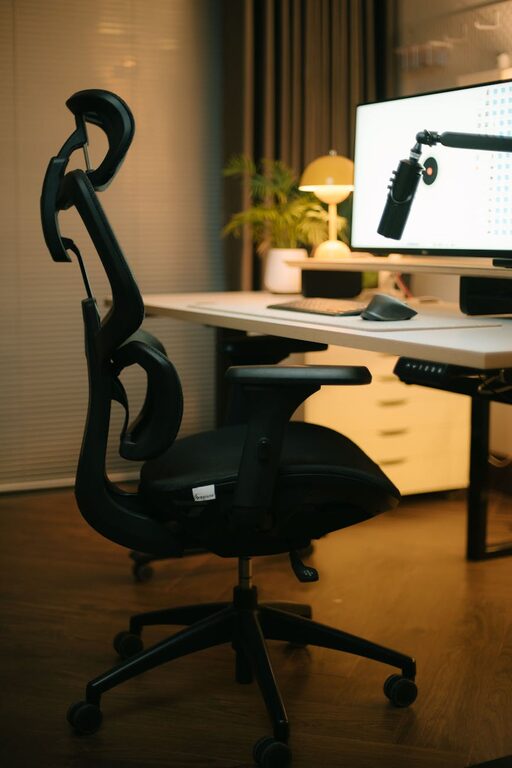
A sturdy desk with enough surface area is essential. Consider your workflow—do you need space for multiple monitors, documents, or creative tools? Pair it with an ergonomic chair that supports your back and promotes good posture. Your comfort is key to long working hours without strain.
Adjustable Options
If possible, use adjustable furniture. Height-adjustable desks and chairs allow you to alternate between sitting and standing, which benefits health and energy levels.
Optimize Lighting
Layered Lighting
Besides natural light, incorporate a mix of ambient, task, and accent lighting:
– Ambient lighting: A ceiling light or overhead fixture for general illumination.
– Task lighting: A focused desk lamp for reading, writing, and close work.
– Accent lighting: Soft lights, like a small lamp or string lights, create a cozy atmosphere.
Warm Light Choices
Select bulbs that emit warm light (around 2700K to 3000K) to create a welcoming and calm environment conducive to concentration.
Keep Your Space Organized
Storage Solutions
Use shelves, filing cabinets, or storage boxes to keep your office supplies tidy and within reach. Decluttering your workspace reduces stress and distractions.
Cable Management
Invest in cable organizers or clips to manage wires and chargers neatly, maintaining a clean desk appearance.
Daily Tidying Habit
Spend a few minutes at the end of each day to organize your desk. A fresh and orderly start boosts motivation for the next day.
Personalize Thoughtfully
Add Greenery
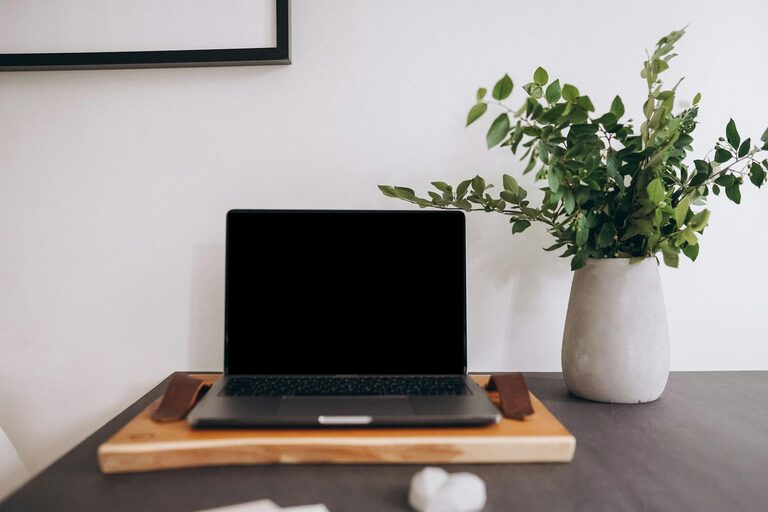
Plants bring life and a sense of calm to your office. Low-maintenance options like succulents or snake plants require minimal care and improve air quality.
Decorate with Purpose
Incorporate art, photos, or inspirational quotes that motivate you, but avoid overcrowding the space. The goal is to keep a balanced environment that feels good and fosters focus.
Manage Technology Efficiently
Reliable Equipment
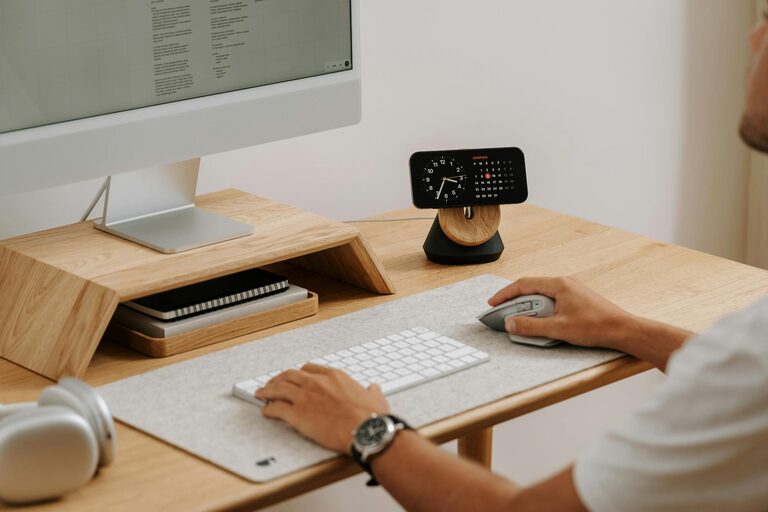
Invest in a reliable computer, high-speed internet, and quality peripherals like a keyboard and mouse. These tools are the backbone of any efficient office.
Tech Organization
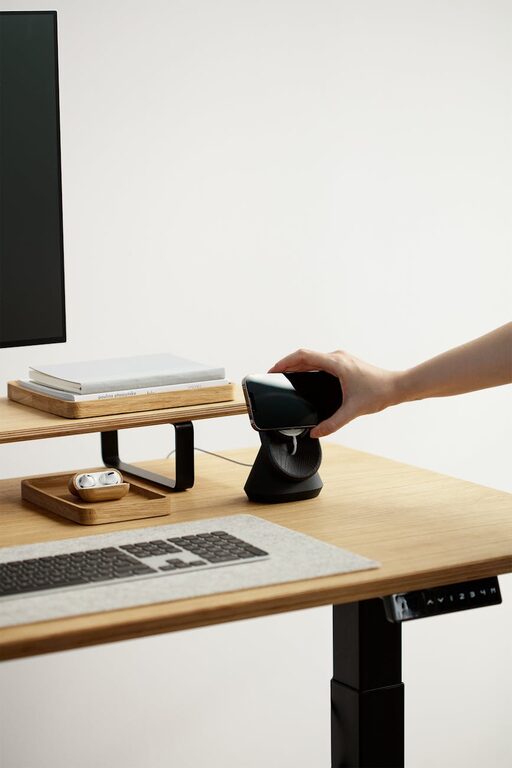
Use a dedicated spot or docking station for devices. Charging stations keep your gadgets powered without cluttering the desk.
Backup and Security
Regularly back up your important work and use security measures like strong passwords or VPNs, especially if dealing with sensitive information.
Enhance Comfort and Well-being
Temperature Control
Ensure good ventilation and control room temperature to keep your workspace comfortable throughout the year.
Break Area
If space allows, create a small corner for short breaks. A cozy chair or cushion can encourage you to step away and recharge during the workday.
Sound Control
Consider noise-canceling headphones if ambient noise is an issue. Soft background music or white noise machines can also help maintain focus.
Plan Your Workflow
Zones and Layout
Arrange your office layout based on your daily tasks. For example, keep your computer station, writing area, and reference materials in separate zones to improve efficiency.
Time Management Tools
Use planners, calendars, or digital apps to schedule your work and breaks. A clear routine helps maintain productivity and reduces burnout.
—
Creating a cozy and functional home office isn’t just about aesthetics; it’s about tailoring the space to your personal needs and work style. By paying attention to location, furniture, lighting, organization, personalization, and well-being, you can build an environment that supports both your comfort and your success. Start small with one or two changes, and gradually transform your workspace into a place where you enjoy spending your work hours.